 @frirasyidi
 /in/frirasyidi
 fri@frirasyidi.com
Disclaimer: (1) we’re talking about moderated sessions here. (2) Unfortunately, this post does not address research in remote areas where there’s no decent internet connection, so if you happen to work for that particular demographic, sorry, this article is not for you.
COVID-19 definitely caught us off-guard. We have several projects planned at the beginning of the year but the situation forced us to make changes on the approach.
These are the things that we learned from doing a series of remote researches from In-depth Interviews to Usability Test. They have been proven to be helpful for us in Somia Customer Experience, and we hoped that they can help you too.
The general setup
- Limit the study duration to 60 minutes or 90 minutes max rather than the normal 120 minutes. There are a lot more distractions at home and as you’re not going to be there, limiting the time to 60 minutes makes it easier to keep the participant and yourself focus. We found that keeping it shorter also makes people more willing to join the study.
- Focus on what you wanted to get from the session. Having limited time, we need to focus on what we need to get from the session early on. We feel that this is really empowering us to make the best of the time and be thoughtful when we’re making our discussion guide.
- Plan the details and plan more—especially on the study where the participant does activities like Usability Testing (which setup I explained in length here). Unlike offline sessions, being fully remote means you will not be there to control the situation. That means you will need your participant to be able to tackle issues along with the session. To do that, you need to be aware of all the troubles that you might encounter and help your participant to tackle those problems.
Overcoming the connection issues
I’ve been—and I know you’ve also been—in a lot of online calls where the connection gets bad you need to ask the other person to repeat what they said multiple times or the other person’s cut off from the connection; it’s a mess.
Essentially, you are at the mercy of yours and your participants’ internet connection. Here’s what you can do to solve this:
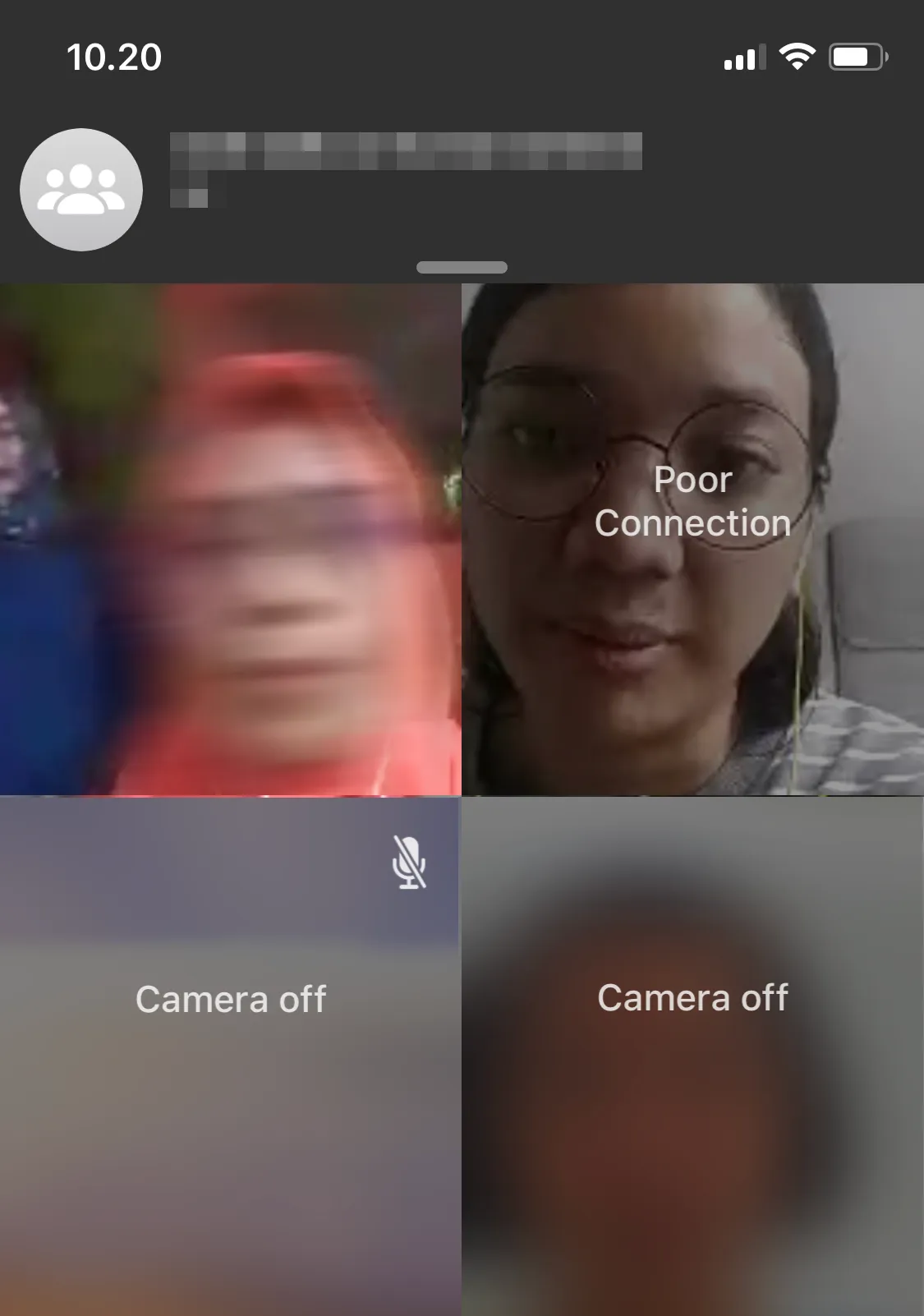
- Screen for the participant so they have a decent internet connection. As you are at the mercy of an internet connection, this is the first thing that you would want to check. Ideally, you want your participant to connect to private wifi so that it’s relatively more stable, but if you can’t have that, we learned from some conference call platform’s support page (Zoom, Microsoft Teams, GoToMeeting) that a 4G connection should be good enough.
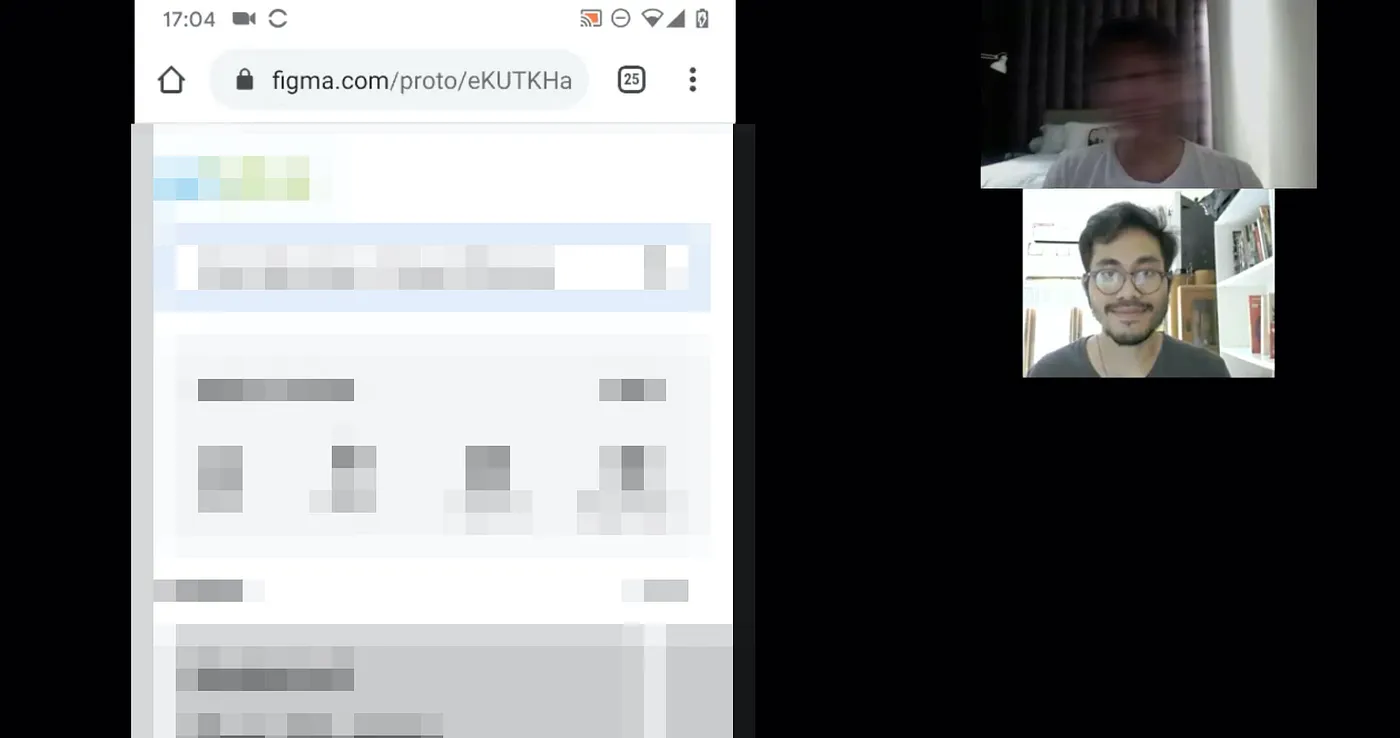
- Minimize your bandwidth requirements. Every video, screen shares, or audios run simultaneously will add up to your bandwidth needs. You need to be efficient with this. For example, if you run an In-depth Interview and there are a lot of observers joining in, make sure to mute and turn off their video.
Prepping for your session
- Make sure your participant fully on-board before the study. As there is a handful of things to prepare before a study session, you don’t want your participant to be in the session due to misunderstanding or misaligned expectations. Let your participant knows what the study is about, what expected of them, and how much rewards would they get from participating in the session, and give them your consent and Non-disclosure Agreement beforehand (read here to learn how we did it).
- Help your participants prepare before the session. This is the key to a smooth session. You need to be transparent and instructive on prepping your participants prior to the session. We use a combination of a call and follow it up as a written email to do this. Generally, you wanted to cover: General info about the study and topic, what is expected from the participant, the time and how long it runs, the link and password to the call, the preparation that is required (such as install app, hardware setup, notepads, etc.). We also asked the participant to stand by 15 minutes prior to the session to assist them with the technical setup.
- Use a platform that’s easy to access and set up. You don’t want your participants to get frustrated before even going to your session as it will make it tough for you to proceed with them. If it’s unavoidable, make sure that you assist them along the way. Prepare visual documentation that you can share ahead or walkthrough 15 minutes before the session so that it’s less frustrating for your participant to do. We love using WhatsApp for its simplicity and easiness, but we use Zoom for more complex research as it provides lots of useful features, widely used, and easy to install
- Ensure the security and privacy of your participants. It’s your responsibility to keep your participant safe from harm and that’s why you signed your Consent and Non-disclosure Agreement Form—how’s so? read my article on it here. So you want to make sure that you don’t use the same conference call link to multiple participants. You wanted to make sure that each is unique—and better, requires a password to access. We also noticed that lately there have been stories of Zoom’s security being compromised; if you’re using Zoom, you might want to check that out and read steps to minimize the risk.
- Prepare to assist your users in troubleshooting issues. Unlike offline testing, you don’t have enough control to make sure all the issues during the remote study as you have limited control and you need your participant to be able to help you solve technical problems. You might not always need this, but when you do, you’ll thank me.
- Plan on how you would share a stimulus/prototype with your participant. As you cannot just hand over a phone, piece of paper, or dummy products, you need to think of a way to convert it online. When needed, also think about how your participant would interact with them and how you can observe them while interacting. For example, with a mobile app Usability Testing, you might consider asking your participant to access your prototype’s link and use them on their phone, but you might not be able to see their screen well enough or if they share screen, you might not know which part of the screen they tap.
Moderating
- Keep the video running. We find it very humane to see each other. Make sure that yours and your participants can see each other’s faces. When talking to someone, there’s nothing more assuring to see their faces and expression. Also, this is great as you can better learn about the participant from their face and body language.
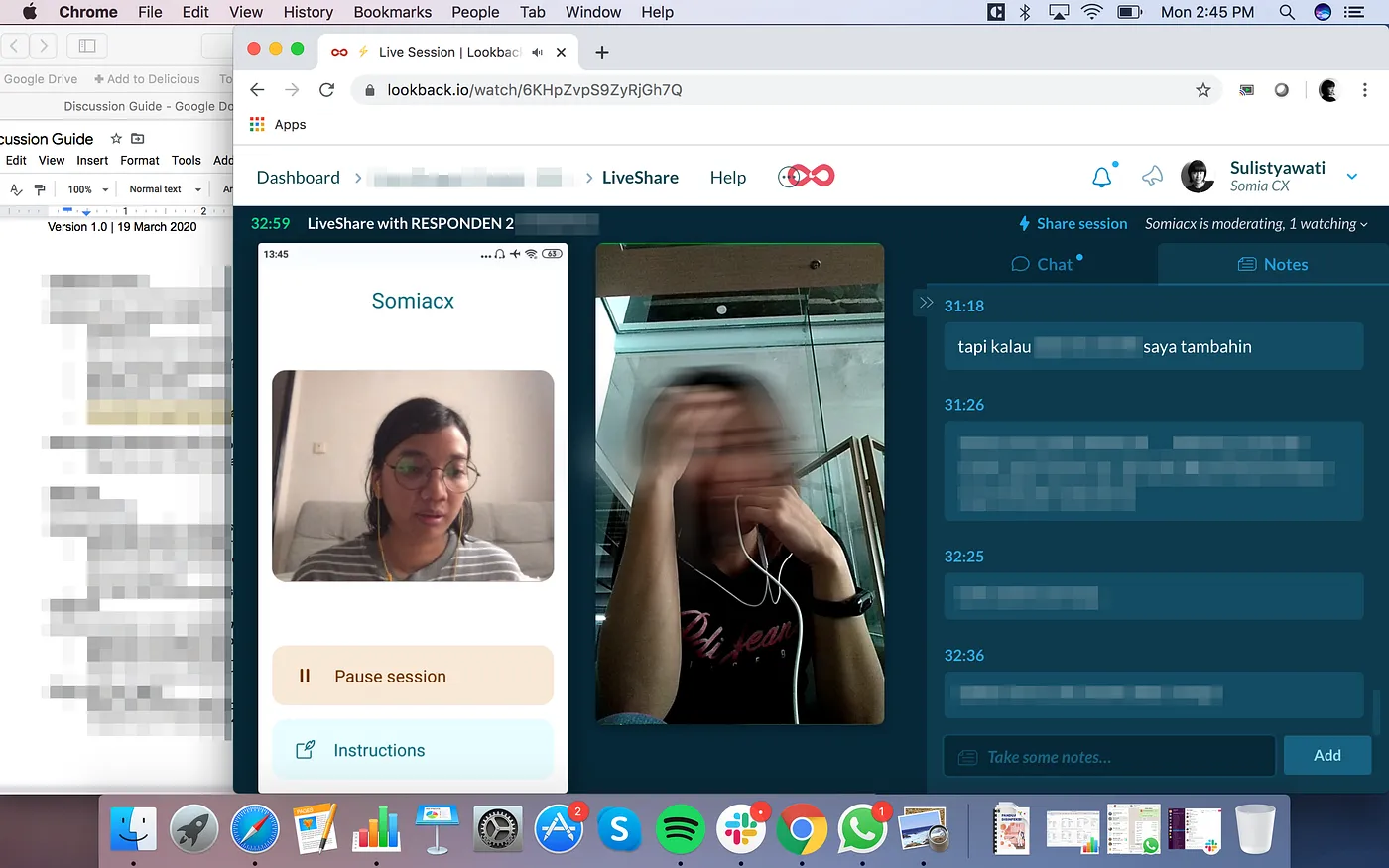
- Be extra clear when giving instruction. In a remote session, your participant relies largely on your verbal communication and less about your gestures. Think about the instruction carefully so that it’s easy for them to follow. Make a visual instruction that you can share from your screen, or share a scenario to be read together on the chat. For studies like Usability Test, think about the mechanism of screen-sharing.
- Consider a platform that has robust host features. We found that features that enable you to mute call participants, auto-mute when they join the room are useful to not disrupt the session, especially when there’s an observer that might drop-in or out due to technical issues. What we found the most useful though, feature to limit recording permission (to make sure confidentiality) and for Usability Test, ability to screen share while simultaneously doing video calls, so that we can see what the participant does on-screen while looking at their expression and body language.
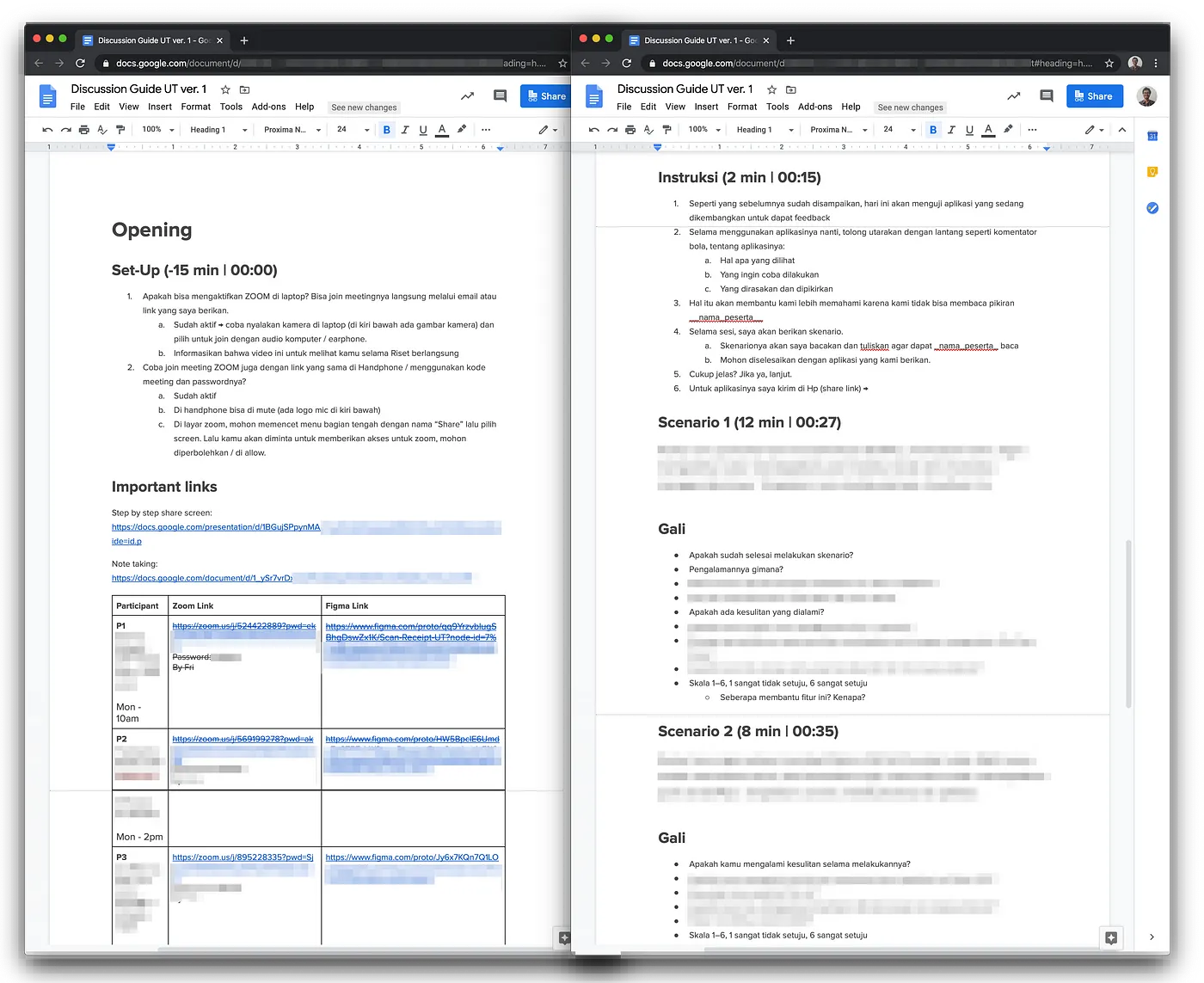
- Put everything in the Discussion Guide. With offline, we usually print the documents or artifact we need and simply lay them around on the moderator area. But it’s not doable online. During the session, we wanted to make sure where things are so that we don’t scramble around looking for that particular link we need. So we found it really helpful to use our discussion guide as a collection of all the needed references.
- Embrace your background, don’t use the graphic custom background. You might want to use a graphic custom background because you do not like how your room looks, or you see it as this cool fun thing people on the internet do. Well, you should not. The reason is that if you choose a funny background, you give the impression that you don’t take the session seriously. Even if you choose a decent one, it may still felt as if you’re not genuine, that you’re trying to hide something. What you can do though, try to move to a room with a background that you think is good enough, or just try to sit with a wall on your back. By the end of the day, you should embrace the background and try to be genuine. Your participant would appreciate it too.
Those are the tips. I hope they help!